How to Watch Discovery+ From Anywhere in 2026
Reading time: 8 min
Last Updated: Jul 24, 2026

I am a big fan of Discovery+, so I wanted to find a way to watch it from my location in Indonesia where it’s blocked. After trying various workarounds, I learned that the only way to watch Discovery+ from anywhere is with a VPN. While many VPNs claim to unblock Discovery+, my tests proved otherwise — of the 25 VPNs I tested, only 3 work consistently!
Of these 3, ExpressVPN has the most reliable connections and the fastest speeds for watching Discovery+ in HD and without buffering. Editor’s Note: Transparency is one of our core values at WizCase, so you should know we are in the same ownership group as ExpressVPN. That said, our detailed reviews follow a strict methodology that examines all relevant performance factors to help you arrive at your own informed conclusion.
Quick Guide: 3 Simple Steps to Watch Discovery+ From Anywhere
- Download a VPN. I recommend ExpressVPN since it has top speeds for watching Discovery+ with no buffering. You can also try ExpressVPN risk-free with its 30*-day money-back guarantee.
- Connect to a server in a country where Discovery+ is available. All 3 VPNs on the list can automatically find the fastest connection for you, so you’ll only have to select the right country.
- Log in to Discovery+ and start watching your favorite shows!
Watch Discovery+ with ExpressVPN
Why You Need a VPN to Watch Discovery+ From Anywhere
Discovery+ is blocked outside of a select few countries because of licensing and copyright issues. By connecting to a VPN server in a country where Discovery+ works, your location and IP address are masked and replaced with information from the server. To streaming sites, this makes it look like your device is in the same country as the VPN server. This way, you can bypass any geoblocks and stream without restrictions.
ExpressVPN is the best VPN for watching Discovery+. It offers blazing-fast streaming speeds and reliable connections, so you can watch Discovery+ from anywhere!
Editor’s Note: Transparency is one of our core values at WizCase, so you should know we are in the same ownership group as ExpressVPN. That said, our detailed reviews follow a strict methodology that examines all relevant performance factors to help you arrive at your own informed conclusion.
3 Best VPNs to Watch Discovery+ in 2026
1. ExpressVPN — #1 VPN With Blazing-Fast Speeds to Watch Discovery+

Key Features:
- 3,000+ servers in 105+ countries for reliable connections around the world
- Fast speeds for streaming in Ultra-HD
- Supports up to 5 simultaneous connections
- 24/7 customer service with live chat and email support
- 30*-day money-back guarantee
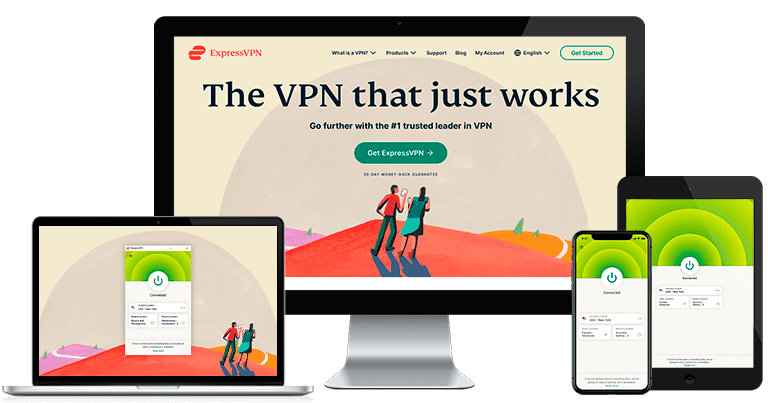
ExpressVPN is great for watching Discovery+ in the highest resolution and interruption-free with incredibly fast streaming speeds. Its standard OpenVPN protocol gave me reliable speeds that remained above 40Mbps. When I switched on the Lightway protocol in “Settings,” my speeds were even faster, at around 60Mbps. I never had to wait for the video to load or buffer!
To make it even easier, ExpressVPN lets you create shortcuts within its app which allowed me to unblock Magnolia Table with Joanna Gaines on Discovery+ right after setting up my connection. It saved me the additional couple of minutes I would’ve spent on opening my browser and logging into the streaming platform.
Better yet, ExpressVPN easily found the best connection for me by automatically choosing the fastest server available in the country of my choice. If I found a particularly quick server while watching Discovery+, I could add it to my favorites by clicking on the star next to it. This meant I could connect to it again in just a few seconds next time I wanted to continue watching Discovery+.
If you make the most of ExpressVPN using its 30*-day money-back guarantee, you’ll be able to unblock Magnolia Table with Joanna Gaines and other shows on Discovery+ risk-free for 4 weeks. ExpressVPN is the only service on the list with “no questions asked” refunds, so you won’t have to explain why you’d like to close your account. My request was processed in less than a minute after connecting to live chat and my refund was sent back into my bank account only 4 days later. Editor’s Note: Transparency is one of our core values at WizCase, so you should know we are in the same ownership group as ExpressVPN. That said, our detailed reviews follow a strict methodology that examines all relevant performance factors to help you arrive at your own informed conclusion.
ExpressVPN works with: Windows, Android, macOS, iOS, Linux, routers, Chrome, Kindle, Firefox, PlayStation, Xbox, Nintendo Switch, Apple TV, Amazon Fire TV, and Smart TVs.
ExpressVPN unblocks: Netflix, Disney+, Hulu, Amazon Prime Video, BBC iPlayer, HBO Max, YouTube TV, ESPN, and more.
Watch Discovery+ with ExpressVPN
2. CyberGhost — Watch Discovery+ With Optimized Streaming Servers Without Interruptions

Key Features:
- 11,690+ servers in 100+ countries for fast global connections
- Dedicated streaming servers to quickly get best streaming quality
- Supports up to 7 device connections at the same time
- 24/7 customer service with live chat and email support
- 45-day money-back guarantee
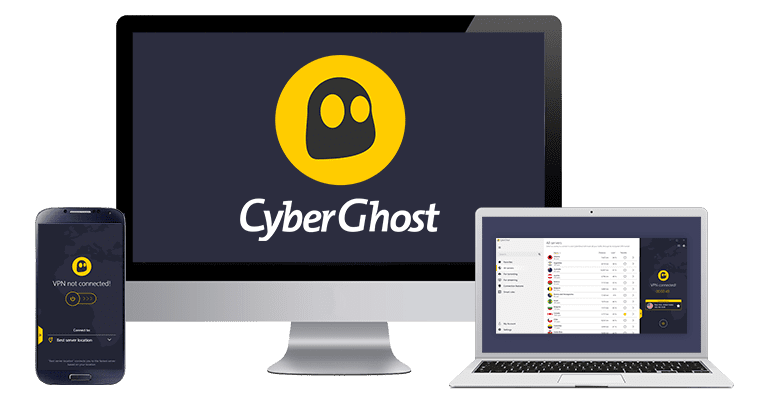
CyberGhost has a range of servers optimized specifically for streaming shows and movies in high quality. I was connected in less than 10 seconds and had stable streaming speeds at 27Mbps on average. This was fast enough for me to watch Discovery+ in HD without lags.
Despite the many available servers, I could easily find the optimized locations by selecting the ‘For streaming’ tab and typing in my streaming service in the search bar. The app immediately displayed all of its servers in various countries I could connect to. All I had to do was double-click on one of these options.
Should you find that the optimized servers are all full, don’t worry — connecting to regular servers will still help you watch Discovery+ content without interruptions. As these locations are a bit slower, I only had to deal with an extra 15 seconds of loading time at the beginning of my stream.
You can use CyberGhost risk-free for 45 days — more than enough time to test it yourself. It’s a risk-free policy as long as you request a refund before the 45 days are up. After testing CyberGhost for 4 weeks, I requested a refund and got my money back in only 4 business days. Editor’s Note: Transparency is one of our core values at WizCase, so you should know we are in the same ownership group as CyberGhost VPN. That said, our detailed reviews follow a strict methodology that examines all relevant performance factors to help you arrive at your own informed conclusion.
CyberGhost works with: Windows, Android, macOS, iOS, routers, Chrome, Firefox, Amazon Fire TV, and Android TV.
CyberGhost unblocks: Netflix, Disney+, Hulu, Amazon Prime Video, BBC iPlayer, HBO Max, YouTube TV, Sling TV, ESPN, fuboTV, and more.
Watch Discovery+ with CyberGhost
3. Private Internet Access — The Most Servers to Unblock Discovery+ From Anywhere

Key Features:
- 35,000+ servers in over 70 countries for fast global connections
- Dedicated streaming servers to quickly get best streaming quality
- Supports up to 10 device connections at the same time
- 24/7 customer service with live chat and email support
- 30-day money-back guarantee
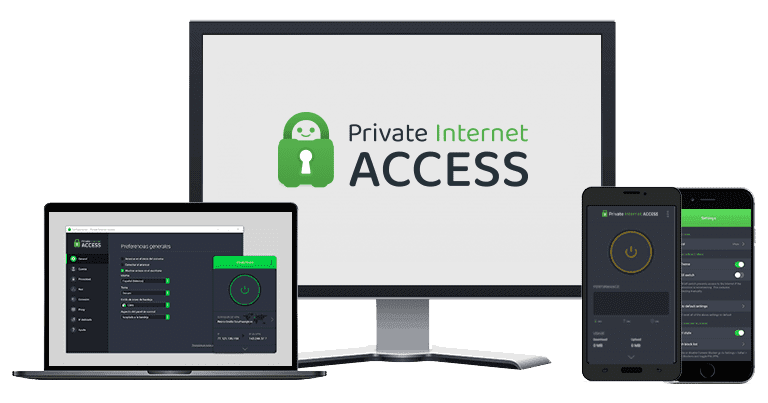
Private Internet Access (or PIA) has one of the biggest server networks that can effortlessly unblock Discovery+. I tried 40 locations and noticed each one provided me with good download speeds and access to all titles on the restricted platform. Some servers got overcrowded as I carried out my tests, which made my streams a bit more pixelated. However, as the VPN has so many options to choose from, I could quickly reconnect to a less busy server and boost my speeds back up in only 10 seconds. This improved my picture quality, and I could watch Magnolia Table with Joanna Gaines in HD without issues.
I liked that PIA lets you select from a variety of VPN protocols, letting you maximize speeds for watching Discovery+ lag-free. You can choose 128-bit encryption to give your streams an extra boost for buffer-free HD video. Even though 128-bit encryption isn’t the highest level, it’s plenty for low-risk online activities like streaming. While it’s still powerful enough to hide your data and keep your activities private, you’ll have less lag and fewer issues with playback quality.
Though the VPN offers excellent features, you should test PIA with Discovery+ yourself to check if it meets your requirements. The vendor comes with a legitimate money-back policy that lets you use its services to unblock Discovery+ risk-free for 30 days. There’s no small print (I checked!)— as long as you request a refund before the guarantee ends, the VPN will give you your money back without an issue. Editor’s Note: Transparency is one of our core values at WizCase, so you should know we are in the same ownership group as Private Internet Access. That said, our detailed reviews follow a strict methodology that examines all relevant performance factors to help you arrive at your own informed conclusion.
PIA works with: Windows, Android, macOS, iOS, routers, Chrome, Firefox, Amazon Fire TV, and Android TV.
PIA unblocks: Netflix, Disney+, Hulu, Amazon Prime Video, BBC iPlayer, HBO Max, YouTube TV, Sling TV, ESPN, fuboTV, and more.
Start Watching Discovery+ From Anywhere Today!
A reliable VPN can help you unblock Discovery+ from anywhere. However, not all VPNs will work. Only the best providers — like the 3 on my list — can give you guaranteed access to Discovery+ with high-quality video and perfect streaming speeds.
ExpressVPN is my top choice for watching Discovery+ due to its large selection of high-quality servers and advanced unblocking technology that works with Discovery+ every time. Try ExpressVPN yourself risk-free with its 30*-day money-back guarantee and unblock your favorite shows.
*Please note that the ExpressVPN’s 30-day money back guarantee is not available at the moment.

Editor’s Note: We value our relationship with our readers, and we strive to earn your trust through transparency and integrity. We are in the same ownership group as some of the industry-leading products reviewed on this site: ExpressVPN, CyberGhost, Private Internet Access, and Intego. That said, our detailed reviews follow a strict methodology that examines all relevant performance factors to help you arrive at your own informed conclusion.