
Intego ONE Review 2026: Is This Mac Antivirus Worth It?

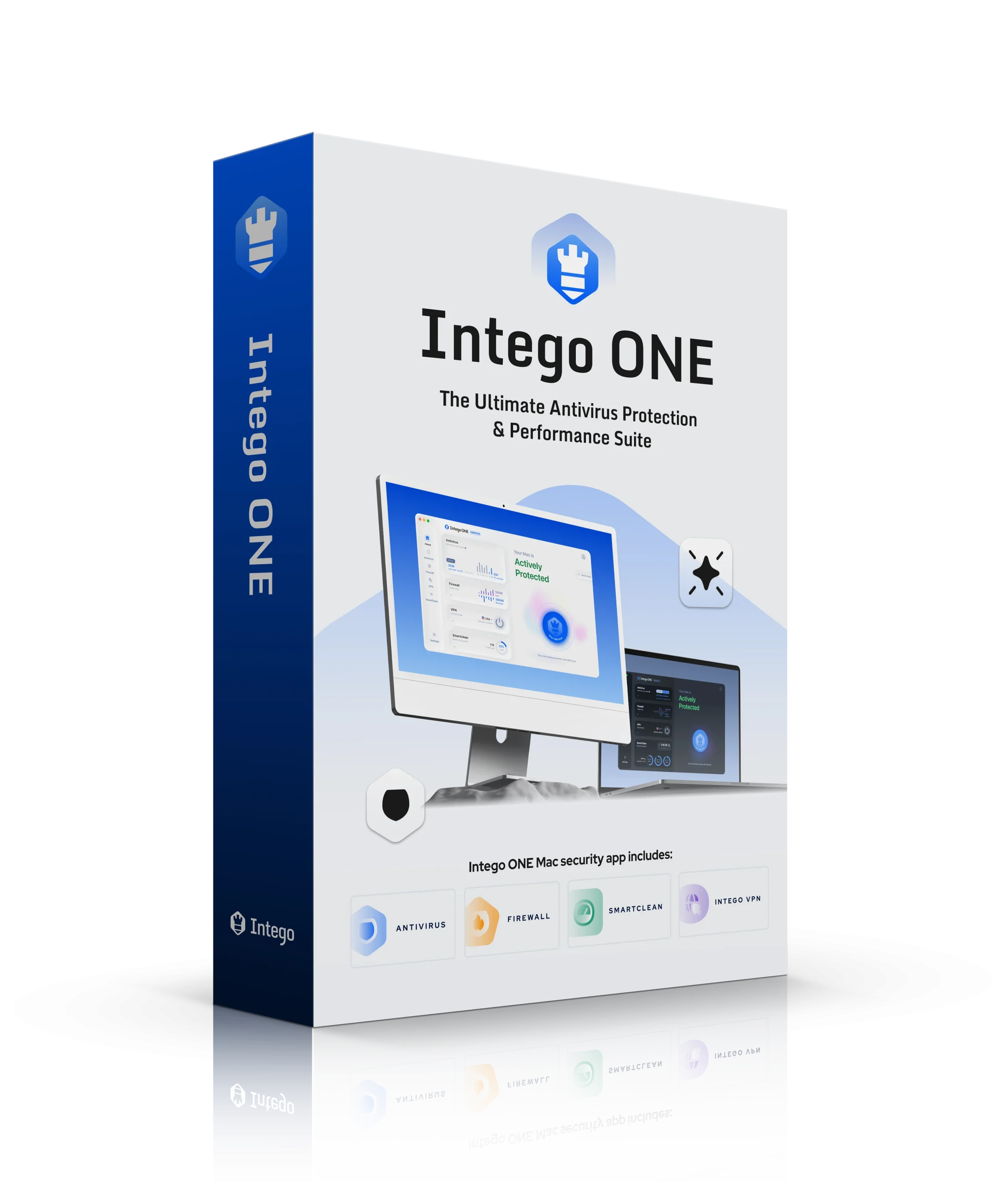
Editor's Note: Intego and this site are in the same ownership group.
Reading time:
Last Updated: May 10, 2026
-

Written by: Enemali Okwoli Cybersecurity & Tech Writer
Intego Overview
After testing almost all the Mac antiviruses out there, I can confidently say that Intego ONE remains the best Mac antivirus on the market. Every antivirus claims to have the best protection, but Intego caters to the specific security needs of Mac users.
Intego ONE is the leading Mac antivirus because of the outstanding performance of 2 key features — Antivirus and Firewall. The near-perfect malware detection rates and very customizable network firewall made Intego stand out. In addition, there’s SmartClean for removing junk and cleaning up your Mac to boost speed.
In my opinion, Intego ONE offers good value for money as most of its features work perfectly. You can try Intego ONE risk-free for 30 days with its money-back guarantee. It’s easy to get a refund if you change your mind. I tested it myself and got my money back in a few days.
In a Rush? Here’s a 1-Minute Summary
- Powerful real-time malware scanner — guards your Mac 24/7 against threats in real-time. Click here to find out Intego’s real-time score on my tests.
- Extra security and optimization features — offers Mac optimization tools (SmartClean) and a VPN. See how its features fared in my tests.
- Unified app experience —consolidates everything into a single app instead of the six separate apps required by previous versions. Check out Intego ONE’s user interface here.
- Fast and helpful customer support — easily accessible over live chat, email, plus an extensive knowledge base. Find out how each support option fared in my test.
- 30-day money-back guarantee — lets you try out Intego ONE risk-free. Here’s how you can test Intego ONE and get a refund.
Security
Intego ONE’s malware protection significantly exceeds that of most of its competitors. In rigorous testing, it successfully blocked every malware variant. Beyond virus protection, Intego ONE also has bonus features like Firewall and Real-Time Protection to ensure perfect security for your Mac.
Antivirus — Powerful Anti-malware Engine That Blocks Threats Successfully
Intego’s Antivirus is the core malware detection engine, and it absolutely dominated my testing. I planted 40 different virus types on my test Mac, including a boot sector virus that immediately crashed the system. After booting from Intego ONE’s recovery environment, it identified and removed every single threat in just 11 minutes while scanning over 19,000 files.
You get multiple scan options that cover different needs:
- Full scan — analyzes every file on your Mac. I recommend you run a full scan after installing and once every 2 weeks after that.
- Quick scan — inspects just the critical areas on your Mac, so it’s much faster. You can schedule it to run automatically once every few days.
- Custom Scan — Lets you target specific folders or external drives
I performed a full scan of my Mac, which took about 35 minutes to scan more than 1.7 million files — that’s much faster than other antiviruses. For example, Avast took about an hour to perform the same scan. Intego’s quick scan is even faster, taking only 2 minutes to scan over 50,000 files.
The only drawback of using Intego ONE’s full scan is that it made my Mac run slightly slower than usual, which is quite common for antiviruses. I tried playing a game while scanning, but it slightly lagged, and my FPS dropped from 60 to around 50.
Although Intego ONE’s app isn’t available for iOS, you can scan your iPhone, iPad, or any external device by connecting it to your Mac and running a scan. You can also scan your email files for malware if you’re signed in with Apple Mail. Intego blocked all malicious email attachments during my tests.
Any suspicious and malicious files discovered in each scan are added to Quarantine. I liked that the Antivirus gives you several functions to choose from after you run a scan. These 3 options are:
- Trust — marks the file safe. You should only use this to unflag false positives
- Ignore — removes the file from the Quarantine list
- Repair — cleans infected files by removing viruses from them
Overall, I found Intego ONE’s Antivirus to be quite effective. I’m impressed with the detection rates for Mac viruses and Windows-based threats. I also like the various scanning options and the ability to adjust scan preferences.
Real-Time Protection — Perfect Real-Time Detection Scores Keep You Safe 24/7
Intego ONE features an active Real-Time Protection system that continuously monitors for any suspicious files or programs that come into contact with your Mac and instantly blocks threats. I found this very convenient as I didn’t have to run scans manually every time I downloaded a file.
I tested Intego’s real-time scanner using a malware test file. It immediately detected the infected file and sent me a warning pop-up. I also tested it with a ransomware simulator, and Intego immediately blocked all threats. This reassured me that my Mac is always secure, even if I accidentally try to download something dangerous.
Another useful aspect of Intego ONE’s settings is the option to clear the quarantine tag from a file once it’s been scanned and confirmed safe by adding it to the Safe List. This prevents macOS from displaying a warning message each time you access the file, thereby reducing unnecessary alerts.
While Intego ONE’s Real-Time Protection was running in the background, I didn’t notice any significant slowdown. I calculated the average time to download, install, and launch 8 different programs with and without Intego running. I assessed the average time to copy a 5GB file from my Mac to an external hard drive 7 times — the results are as follows:
| Intego slowdown | Industry-average slowdown | |
| Application download | 0% | 2% |
| Application installation | 1% | 2% |
| Application launch | 2% | 4% |
| File transfers from Mac to external drive | 2% | 37% |
Intego beat the industry average in every category. It was especially fast when copying files from my Mac to an external hard drive. I never noticed any drop in my device’s performance, even while doing intensive activities like heavy graphic renders on Final Cut Pro.
Firewall — 2-Way Network Firewall Stops Dangerous Traffic
Intego ONE’s Firewall is an advanced and user-centric feature that enhances the standard firewall protection offered by macOS. This 2-way firewall not only monitors incoming traffic, as is typical but also keeps an eye on outgoing data.
Only a few other antiviruses have a 2-way firewall like Intego. Most of them just monitor incoming traffic. Monitoring outgoing traffic is important since a hacker can intercept your credit card information.
Rather than guessing what is connecting to the internet, Intego ONE’s Traffic Filtering Switch actively detects and manages app access. When an app attempts to access your network, a notification window will prompt you to either allow or deny access. If allowed, it automatically creates a rule for that app.
I was also very impressed by the Security Switch feature. If you ever suspect your network or device has been compromised by malware or a threat actor, you can toggle this switch to immediately block all network traffic. It creates an impenetrable barrier to contain the threat and prevent further damage.
The comprehensive Traffic Control Settings provide an excellent interface for viewing and managing your firewall rules. If you want to stop an app from automatically updating, for instance, you can use the New Rule option to deny network access for that specific application. You can customize these rules based on traffic direction (inbound, outbound, or both) and even apply advanced settings for specific hostnames, IP addresses, or ports.
Overall, the Intego ONE Firewall is fantastic. It successfully monitors all network traffic, and I love the addition of Traffic Stats and Traffic Insights, which let you view exactly how much data and RAM specific apps or domains are using on a daily, weekly, or monthly basis.
Because it is now integrated into the unified Intego ONE app, it seamlessly works alongside the antivirus and VPN modules while remaining light on system resources. The interface is highly intuitive, so you won’t find it difficult to customize your network settings and keep your Mac secure.
Features
Intego offers several useful extras that provide additional protection and boost your Mac’s performance. Aside from the Antivirus and Firewall, you can also get SmartClean and a VPN (virtual private network), depending on the plan you choose.
- SmartClean — System cleaning and performance optimization (Advanced and Complete plans)
- Intego VPN — Secure browsing with Lightway protocol (Complete plan)
Important note: Intego ONE does not include parental controls (ContentBarrier) or backup features (Personal Backup) that were available in previous X9 versions.
SmartClean — Optimizes Your Mac and Improves Its Performance
Security shouldn’t slow you down. Intego’s newly updated SmartClean (formerly Mac Washing Machine) acts as a professional tune-up for your Mac. It intelligently scans for digital clutter while also acting as a real-time system monitor, ensuring your device runs at its fastest and most efficient speed.
SmartClean enhances your system’s performance by focusing on two main aspects: Machine Monitoring (CPU and RAM) and Machine Cleaning (disk space and uninstallation).
Machine Monitoring: CPU and RAM
Instead of just cleaning files, SmartClean now actively monitors your Mac’s hardware to prevent slow-downs and overheating.
- CPU: This section provides a comprehensive overview of your active CPU cores, system temperature, and CPU load. It displays a list of all running applications and how long they’ve been active. If an app is hogging your processor, you can safely quit the process directly from this menu (SmartClean will thoughtfully prompt you to save your work first).
- RAM: Similar to the CPU monitor, this section tracks your active, wired, and compressed RAM load, letting you easily identify processes that are consuming too much memory.
Machine Cleaning & Disk Space Monitor
When it comes to freeing up storage, SmartClean offers two primary scanning options: a comprehensive Optimization Scan and a rapid Quick Cleanup.
Once scanned, the Disk Space Monitor gives you a clear breakdown of your internal storage usage, categorized into:
- Junk Files: SmartClean helpfully divides these into “Files Safe to Clean” (like outdated caches and logs) and “Files to Review Before Cleaning” (like your Downloads and Trash folders). This ensures you won’t accidentally delete important files based on an aggressive automated scan.
- Large Files: It quickly identifies massive files eating up your drive, showing their respective disk space usage and giving you the option to clean them instantly.
On my test MacBook, SmartClean freed up 3GB of storage, which was great because my laptop was working much faster after that. It also found almost 12GB of large files that could be removed and 245MB of cache. Overall, I’m very satisfied with how this feature works.
App Uninstaller
Simply dragging an app from Finder to the Trash often leaves behind hidden associated files and folders. SmartClean includes a dedicated App Uninstaller that lists all installed apps, their installation dates, and their true file sizes (including all hidden components). It ensures complete removal, preventing leftovers that can negatively impact your Mac over time. Another great addition to Intego ONE from my experience.
Optimization History
If you want to keep track of everything, SmartClean features an Optimization History tab. This logs the date and time of your scans, exactly how much disk space was freed, the number of duplicate or junk files cleaned, and the number of apps uninstalled.
Overall, Intego ONE’s SmartClean is a massive step up from a simple file organizer. By combining deep disk cleaning with real-time hardware monitoring and a dedicated app uninstaller, it provides a highly effective, all-in-one suite for maintaining your Mac’s peak performance. But you can’t get it with the Essential plan — you need either the Advanced or Complete plan to be able to use it.
Intego VPN — Secure and Integrated Browsing
Intego’s VPN is now fully integrated directly into the Intego ONE application (if you get the Complete plan), completely replacing the older, standalone “Privacy Protection” app. By applying military-grade encryption and masking your IP address, Intego VPN ensures your online activities remain private, whether you are connected to home internet or browsing on unsecured public Wi-Fi.
A major upgrade to the new Intego VPN is its underlying technology. Instead of OpenVPN and WireGuard, it now utilizes the highly optimized Lightway protocol, which allows users to select exactly how their traffic is handled:
- Automatic: By default, this seamlessly selects the best protocol for your current network environment.
- Lightway – UDP: Optimized for the best possible speeds and security. Crucially, this includes post-quantum protection — an advanced security feature that uses quantum-resistant algorithms to safeguard your current data from the threat of future quantum computers.
- Lightway – TCP: While slightly slower than UDP, this protocol is highly reliable on restrictive or unstable networks and also includes full post-quantum protection.
I usually use the Automatic selection, and I was always able to browse without interruptions and stream in HD. Compared to the previous test with the OpenVPN protocol, the new Intego ONE Lightway addition showed 8% increase in speed. I could also play CoD lag–free.
To ensure continuous privacy, the VPN also includes a system-level kill switch, which is an essential feature in my opinion. If your secure connection drops unexpectedly, this feature instantly halts all internet traffic to prevent your real IP address or data from leaking. I also tested multiple servers for IP leaks and found none.
Choosing a server is very easy. You can easily jump to your Previous Selected Location or use the Recommended Location, which intelligently suggests the best server based on your actual physical location.
If you want to see the full list of servers, go to the VPN Locations menu. The app displays all available server locations by region and the latency (ping) for each server so you can manually choose the fastest connection.
Overall, Intego VPN is an excellent security tool. Because it is no longer a separate download, it provides a seamless, highly advanced (post-quantum ready) privacy shield right from your main Intego ONE dashboard. However, it doesn’t have a lot of features that many standalone VPNs offer. For example, there are no specialty servers for streaming or torrenting, there’s no obfuscation feature, split tunneling. I’d also like to see some other protocol options available in the future. But for now, it has the basics and it works well the way it is.
Editor's Note: Transparency is one of our core values at WizCase, so you should know we are in the same ownership group as Intego. That said, our detailed reviews follow a strict methodology that examines all relevant performance factors to help you arrive at your own informed conclusion.
Ease Of Use
Intego ONE is compatible with macOS 12.4 and higher. Its key features were previously split into separate apps, which was one of its biggest shortcomings, but now it consolidates all features into one app. This is a much better approach since it makes using all tools more convenient. You don’t have to open multiple apps to protect your Mac.
Intego ONE has a user-friendly and intuitive interface, making it easy to use for even beginner users. Setting it up was simple — it took just 5 minutes to download and install it.
Desktop App — Works on Mac With External Scanning for iOS
Compared to many antivirus programs I’ve used, Intego ONE’s user interface is simple and intuitive. The main features, Antivirus, Firewall, SmartClean, and VPN, have their own tabs where you can customize their settings. Everything is clear and visible, so you won’t have to spend a lot of time to get to know the app and everything that it offers.
I also appreciate the Tray menu because it gives you a quick glance of the app and you can enable some features from there without having to open the whole app.
Plus, you can scan your iOS device for viruses and malware using the Antivirus — all you have to do is connect your iPhone or iPad to your Mac in the same way you’d scan an external hard drive. This feature is pretty cool, and it’s something I haven’t seen included in other Mac-based antiviruses.
Mobile Apps — No App Available for iOS or Android
Unfortunately, Intego doesn’t have a native Android or iOS app but lets you scan your iPhone using the Antivirus while it’s connected to your Mac. If you’re looking for a better alternative, check out these antiviruses exclusive for iOS.
How to Download Intego ONE on Mac
- Go to Intego ONE’s website — Open Intego’s website and click on “Get Intego now” or go to the Pricing menu.
- Select your plan — Select whether you’d like a 1- or 2-year purchase and choose one of the available plans, Essential, Advanced, or Complete. You can also add the number of devices.
- Buy your plan — Enter your personal details like contact information and your credit card details to proceed to checkout.
- Install and activate Intego ONE — Install Intego on your Mac and start using it.
That’s it! You’re now protecting your Mac with Intego.
Support
Intego offers 3 support options — live chat, email, and an online knowledge base. My experiences with both live chat and email were positive, with the support team consistently proving to be both prompt and helpful in their responses.
Live Chat — Best Option for Fast and Friendly Help
The fastest method to reach Intego’s support team is through their live chat service. My wait time is less than 5 seconds to connect with a live chat agent. The agent displayed a strong understanding of Intego’s technical details and assisted me effectively by offering quick and helpful solutions to my queries.
Unfortunately, you first need to talk to a chatbot, which can be a bit frustrating at times. And it’s not clear from the get go how you can connect to a human. I had to go through some trial and error before I realized I just needed to ask the chatbot to connect me to a human representative.
Email Support — Good Alternative to Live Chat
I used the email support option when I wanted to test the refund policy. Email support got back to me within 3 hours, which is impressive.
Therefore, you may not get a response right away if you email after business hours or on the weekend. Intego’s email support is great for most queries if you don’t have any urgent technical issues that need to be resolved immediately.
Online Resources & FAQ — Find Answers to Basic Questions
Intego ONE’s online knowledge base is a great resource and is the first place I check when I have a question. It’s a collection of articles about the most common issues users face. You’ll find user manuals and instructions for various troubleshooting questions.
The responses are simple and easy to understand, even for beginner users. They include photos to help you follow along. I recommend checking the knowledge base first before contacting customer support, as you’ll most likely find answers there.
Price
Intego accepts payments through Visa, Mastercard, American Express, and PayPal. I recommend the Complete plan because it packs all the key features (Antivirus, Firewall, SmartClean, and VPN) and provides the best value for money.
Essential — Basic Plan
You can get this plan for 1, 3, or 5 devices with tiered pricing, respectively. The Essential plan offers:
- Antivirus
- Firewall
It’s the ideal plan if you only need a core antivirus with network protection. However, you won’t get SmartClean and the VPN.
Advanced — All Key Features, Except the VPN
Same as the Essential plan, you can get Advanced for 1, 3, or 5 devices. If you’re not very interested in getting additional security with the Intego VPN, this plan may be the best for you. The advanced plan includes:
- Antivirus
- Firewall
- SmartClean
Complete — Full Mac Security Suite
You can also get this plan for 1, 3, or 5 Macs at different prices. The top tier adds Intego VPN to all the Advanced features, providing comprehensive security and privacy in one package. It includes:
- Antivirus
- Firewall
- SmartClean
- Intego VPN
This is the best choice for users who regularly work on public WiFi or want to change their IP while maintaining the security and optimization benefits of the Advanced plan.
30-Day Money-Back Guarantee — Best Way to Try Intego ONE Risk-Free
To test Intego’s full features, you can sign up and use its 30-day money-back guarantee. A month is plenty of time to conduct virus scans (with malware removal functionality), clean your Mac, and try out Intego VPN.
If you’re not 100% satisfied with its performance, simply contact a customer service representative and request a refund. I emailed Intego, and my request was processed immediately with no questions asked — I got my money back within a few days.
Editor's Note: Intego and this site are in the same ownership group.
Final Verdict
Intego ONE is the best Mac antivirus for users who want security that feels native to macOS. After weeks of testing, I’m confident recommending it to Mac-focused households who prioritize performance and want features specifically designed for Apple’s ecosystem.
The 100% malware detection rate, zero performance impact, and intelligent Firewall deliver protection that Windows-ported antiviruses simply can’t match. The new unified app design eliminates the confusion of previous versions, making it easier than ever to manage your Mac’s security.
The main limitations are the lack of parental controls (removed from Intego ONE), no dedicated phishing protection, and no mobile apps. These are notable gaps, especially for families who relied on ContentBarrier parental controls in previous X9 versions.
The best way to see if an antivirus is right for you is to test it yourself. You can try Intego risk-free for 30 days using its money-back guarantee. If you’re unsatisfied with its performance, you claim a full refund. I tried its refund policy first-hand and easily got my money back with no hassle.
FAQs on Intego ONE
Is Intego ONE for Mac any good?
Is Intego ONE free?
Will Intego ONE slow down my Mac or iPhone?
No, Intego ONE won’t slow down your Mac or iPhone. Intego’s design is highly efficient. It runs smoothly in the background without affecting system performance. During my tests, Intego’s Mac app didn’t affect usual activities, from web browsing to more intensive tasks.
Intego doesn’t support iOS, but you can still scan your iPhone with Intego as long as it’s connected to your Mac. Neither your iPhone nor your Mac will slow down during the scan. There are a few contenders worth checking out if you’re looking for a reliable iOS-exclusive antivirus.
Does Intego work on Windows, Android, and other devices?
Yes, Intego offers an antivirus solution for Windows separate from its Mac Intego ONE security suite. However, it doesn’t support other platforms like Android or iOS. But you can still scan your iPhone with Intego ONE’s Mac app by connecting your iOS device to your Mac.
Does Intego ONE include a VPN?
Is Intego better than Norton for Mac?



Editor’s Note: We value our relationship with our readers, and we strive to earn your trust through transparency and integrity. We are in the same ownership group as some of the industry-leading products reviewed on this site: ExpressVPN, CyberGhost, Private Internet Access, and Intego. That said, our detailed reviews follow a strict methodology that examines all relevant performance factors to help you arrive at your own informed conclusion.


| 🛡️Security | 10 / 10 |
|---|---|
| 💡Features | 9 / 10 |
| 👍Ease Of Use | 10 / 10 |
| 👨🔧Support | 10 / 10 |
| 💰Pricing | 9 / 10 |
| 🏳️Free trial | Yes |
|---|---|
| ⛔Firewall | Yes |
| 🛡️VPN included | Yes |
| 📱Number of devices | 5 Devices |
| 💰Money-back guarantee | 30 Days |
| 🏷️Pricing Plan | $56.24 per year |