The Best VPNs for the FIFA World Cup 2026™
Reading time: 13 min
Last Updated: Jun 8, 2026

The FIFA World Cup 2026™ kicks off on June 11, and for the first time ever, 48 teams are competing across three countries, which means more matches and almost certainly more travel. A lot of fans will be on the move this summer, and there’s a good chance you’ll end up watching at least one match on public WiFi.
That’s where things can go wrong. Public WiFi is one of the easiest places for hackers to intercept your data, and during a major tournament, those networks are going to be busy. A VPN encrypts your connection so that what you do online stays private whether you’re streaming a match from a hotel room or checking your banking app between games.
I tested a range of VPNs to find the ones worth using during the tournament: fast enough not to interfere with your stream, secure enough to actually protect you, and simple enough to set up before kickoff. ExpressVPN is my top pick. It’s an official tournament supporter, reliable, easy to use on any device, and comes with a 30*-day money-back guarantee for new users so you can try it without any commitment. Editor’s Note: Transparency is one of our core values at WizCase, so you should know we are in the same ownership group as ExpressVPN. That said, our detailed reviews follow a strict methodology that examines all relevant performance factors to help you arrive at your own informed conclusion.
Quick Guide: The Best VPNs for the FIFA World Cup 2026™
- ExpressVPN — The most reliable VPN I tested. Fast, easy to use on any device, and consistently secure on public Wi-Fi. Best all-around pick for the tournament.
- CyberGhost — The easiest VPN to set up on a Smart TV or Fire Stick. Its 45-day money-back guarantee for multi-month plans also covers the entire tournament, from the opening match to the final.
- Private Internet Access (PIA) — Open-source, independently verified, and one of the most affordable options on this list. A solid choice if privacy is your main priority.
Editor’s Note: We value our relationship with our readers, and we strive to earn your trust through transparency and integrity. We are in the same ownership group as some of the industry-leading products reviewed on this site: ExpressVPN, CyberGhost, Private Internet Access, and Intego. That said, our detailed reviews follow a strict methodology that examines all relevant performance factors to help you arrive at your own informed conclusion.
Best VPNs to Watch the FIFA World Cup 2026™ Safely
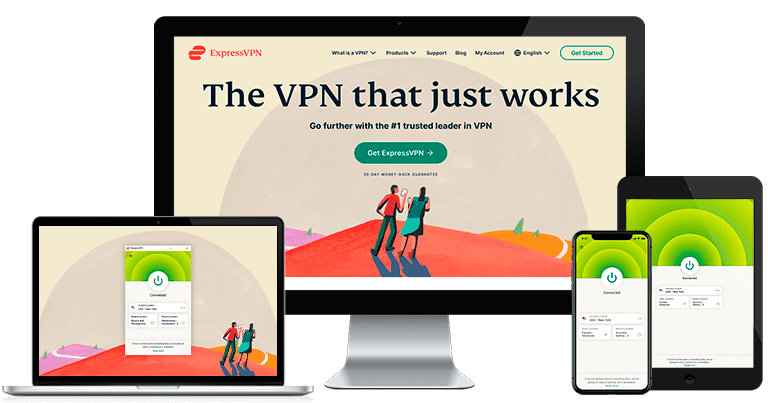
1. ExpressVPN — Best overall VPN for the FIFA World Cup 2026™

Key Features:
- Consistently fast speeds for smooth live match streaming
- Lightway protocol for stable, low-latency connections
- AES 256-bit encryption, kill switch, and strict no-logs policy
- Works across all major devices, including smart TVs
- 30*-day money-back guarantee
ExpressVPN is the most consistent VPN for watching the FIFA World Cup 2026™ securely, as an official tournament supporter, whether you’re at home or on a public network at a hotel, bar, or airport. Its Lightway protocol is built for speed and stability on unpredictable connections, the kind that are common during a busy tournament period.
It also keeps your connection protected with:
- AES-256 encryption — secures all traffic passing through your connection so no one on the same network can intercept it while you watch.
- Network Lock (kill switch) — automatically cuts your internet if the VPN drops, so your data isn’t exposed even for a second.
- DNS and IP leak protection — ensures your real IP address and DNS queries stay hidden at all times.
- RAM-only servers — no data is ever written to a hard drive, which means nothing can be retained or handed over even if a server were seized.
ExpressVPN supports up to 14 simultaneous connections (depending on tier), so most households can cover all their devices under one subscription. It has dedicated apps for virtually every platform, making it easy to set up on a big screen before kickoff.
And while the price is slightly higher than some competitors, it reflects ExpressVPN’s consistently strong performance, reliable unblocking, and broad server network. You can still try it risk-free with its 30*-day money-back guarantee for new users to make sure it meets your needs before committing.
Editor’s Note: Transparency is one of our core values at WizCase, so you should know we are in the same ownership group as ExpressVPN. That said, our detailed reviews follow a strict methodology that examines all relevant performance factors to help you arrive at your own informed conclusion.
ExpressVPN works on: Windows, Mac, Linux, Android, iOS, Chrome, Firefox, PlayStation, Xbox, Apple TV, Amazon Fire Stick, Amazon Fire TV, smart TVs, routers, and more.
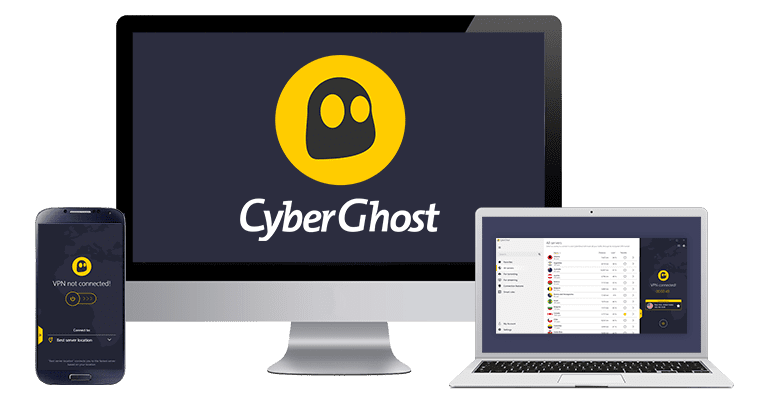
2. CyberGhost — Best for big-screen viewing

Key Features:
- Large server network for stable connections
- Beginner-friendly apps with simple setup
- Strong encryption and automatic kill switch
- Reliable speeds for HD streaming
- Long-term plans at lower cost
CyberGhost is the easiest VPN to get running on a TV in time for a FIFA World Cup 2026™ match. Its dedicated apps for Fire Stick and Android TV are built for remote-control navigation, and the entire process, from download to first connection, takes under a minute.
It protects your connection with:
- AES-256 encryption — keeps your traffic private on shared or public networks.
- Kill switch — cuts your internet automatically if the VPN connection drops unexpectedly.
- DNS and IP leak protection — prevents your real IP and DNS queries from being exposed outside the encrypted tunnel.
- RAM-only servers — no activity logs are physically retained on any server in its network.
CyberGhost’s no-logs policy has been independently audited and tested in court. Its network spans over 11,690 servers across 100 countries, and WireGuard is now the default protocol on mobile, which keeps speeds competitive for live video.
If you’re not sure whether you’re ready for a full commitment to a service, CyberGhost offers a 45-day money-back guarantee for multi-month plans, which means you can reliably try it out before making a decision.
Editor’s Note: Transparency is one of our core values at WizCase, so you should know we are in the same ownership group as CyberGhost VPN. That said, our detailed reviews follow a strict methodology that examines all relevant performance factors to help you arrive at your own informed conclusion.
CyberGhost works on: Windows, Mac, Linux, Android, iOS, Chrome, Firefox, PlayStation, Xbox, Apple TV, Amazon Fire Stick, Amazon Fire TV, routers, and more.
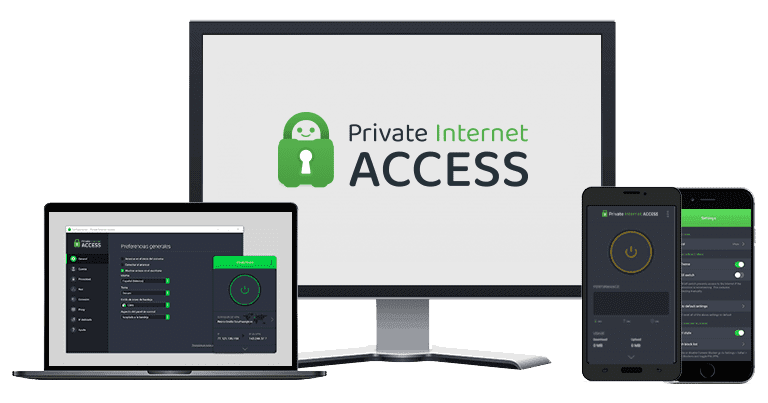
3. Private Internet Access (PIA) — Best for privacy-focused fans

Key Features:
- Highly customizable security and encryption settings
- Large global server network
- Proven no-logs policy
- Built-in ad and tracker blocker
- Competitive long-term pricing
PIA is the most privacy-focused VPN on this list, and one of the few that can back that claim up with hard evidence. Its apps are fully open-source and the code is publicly available on GitHub so it can be independently inspected by anyone. Its no-logs policy has been audited by Deloitte and upheld in multiple court cases, making it one of the most verified privacy records in the industry.
It protects your connection with:
- AES-256 encryption — secures your traffic on any network, including the public Wi-Fi connections common at fan zones, bars, and hotels during the tournament.
- Kill switch — cuts internet access the moment the VPN drops, preventing any accidental data exposure.
- DNS and IP leak protection — keeps your real identity hidden while you watch.
- MACE — PIA’s built-in blocker for ads, trackers, and malware at the DNS level, which is useful when browsing on less familiar networks.
- RAM-only servers — no activity data is retained on any server.
PIA allows unlimited simultaneous connections on a single subscription. Whether you want to run it on your phone, laptop, tablet, and TV at the same time, or share it across a household, there’s no cap. The interface has plenty of advanced settings available, but getting connected requires nothing more than a single click.
It uses WireGuard as its default protocol. In our tests, speeds were consistently strong, with no meaningful drops even on busier servers.
Editor’s Note: Transparency is one of our core values at WizCase, so you should know we are in the same ownership group as Private Internet Access. That said, our detailed reviews follow a strict methodology that examines all relevant performance factors to help you arrive at your own informed conclusion.
PIA works on: Windows, Mac, Linux, Android, iOS, Chrome, Firefox, PlayStation, Xbox, Amazon Fire Stick, Amazon Fire TV, routers, and more.
Why You Need a VPN for the FIFA World Cup 2026™
Watching the FIFA World Cup 2026™ often means relying on networks you don’t fully control. Between crowded bars, airports, hotels, and public venues, your connection is rarely private. A VPN helps reduce that risk while keeping your viewing experience stable.
Public Wi-Fi is one of the biggest weak points. Open networks are easy targets for data interception, especially in high-traffic environments where thousands of fans are connected at once. A VPN encrypts your traffic, which prevents others on the same network from seeing what you’re doing or accessing sensitive data.
Travel adds another layer of uncertainty. The 2026 tournament spans multiple countries, and many fans will be moving between cities throughout the event. If you’re one of them, you should know that using different networks in unfamiliar places increases exposure to privacy risks. A VPN keeps your connection secure and consistent, regardless of where you’re watching from.
What to Look for in a VPN for the FIFA World Cup 2026™
Not all VPNs are built the same, and a few key differences will matter more during a live tournament than they would during regular day-to-day use. Here’s what to keep in mind when choosing one.
- Speed and protocol. Live sports are unforgiving when it comes to connection quality. A VPN that works fine for browsing can still introduce enough latency to cause buffering during a match. Look for a VPN that supports modern protocols like WireGuard or Lightway since these are built for speed and stability and will have a noticeably smaller impact on your connection than older protocols.
- A strict no-logs policy. A VPN encrypts your traffic, but the provider itself could still log your activity if it chose to. A verified no-logs policy means the provider doesn’t store records of what you do online.
- A kill switch. If your VPN connection drops unexpectedly, a kill switch automatically cuts your internet access to prevent your data from being exposed. This matters most on public networks, where connections tend to be less stable.
- Device compatibility. Think about where you’ll actually be watching. A VPN that works well on a laptop may require more configuration on a Fire Stick or Smart TV. If you’re planning to watch on a big screen, check that the VPN has a dedicated app for your device.
- Simultaneous connections. If you’re sharing the VPN with family members, or want to run it on your phone and TV at the same time, check how many devices are covered under a single subscription. Most VPNs allow between 7 and 14. PIA is the only one on this list that offers unlimited connections.
- Money-back guarantee length. A money-back guarantee ensures you can try a VPN out without risk.
- Customer support. If something goes wrong mid-match, you want the issue resolved quickly. Look for a VPN with 24/7 live chat support rather than one that relies solely on email tickets or a knowledge base.
How We Tested the Best VPNs for the FIFA World Cup 2026™
With hundreds of VPNs on the market, we narrowed the list down by applying a consistent set of criteria specifically relevant to watching live sports during a major tournament. Here’s how we did it.
- Speed during peak hours. We tested during busy evening windows, when network congestion is at its highest.
- Connection stability. We ran extended connection tests to check for drops, reconnections, and latency spikes.
- Security and leak testing. We ran DNS and IP leak tests on each VPN to confirm that no identifying information was being exposed outside the encrypted tunnel. We also verified that the kill switch worked as expected.
- Ease of setup across devices. We tested each VPN on multiple devices, including laptops, smartphones, and TV streaming devices.
- Customer support responsiveness. We contacted each VPN’s support team via live chat during evening hours to simulate the experience of running into a problem during a match.
- Value for money. We compared pricing across plans, taking into account the length of the money-back guarantee relative to the tournament dates.
Where to Securely Watch the FIFA World Cup 2026™ Online
If you want to watch the FIFA World Cup 2026™ safely or on the go, you should stick with the trusted, official platforms in your home region. These streaming services will offer the best quality, most consistent coverage, and safety, all of which ensures you won’t miss a single goal.
While the providers are still being decided for some locations, you can find the ones that have been confirmed below:
| Country / Region* | Streaming Platform(s) | Free to Watch |
| United States | Fox Sports App, Peacock (Spanish coverage) | ❌ |
| United Kingdom | BBC iPlayer*, ITVX | ✅ |
| Canada | TSN, RDS | ❌ |
| Australia | SBS On Demand | ✅ |
| Germany | ARD Mediathek, ZDF Mediathek | ✅ |
| France | TF1+, beIN Sports Connect | Partial |
| Spain | RTVE Play | ✅ |
| Italy | RaiPlay | ✅ |
| Netherlands | NPO Start | ✅ |
| Mexico | ViX | Partial |
| Latin America (select regions) | ViX | Partial |
| MENA | beIN Connect | ❌ |
* Availability of FIFA World Cup 2026™ matches, live streams, and replay content may vary by country, broadcaster rights agreements, and subscription requirements. Users should access matches only through officially licensed streaming platforms and broadcasters available in their region. If using a VPN while traveling, users remain responsible for complying with all applicable laws, copyright regulations, platform terms of service, and content licensing restrictions. WizCase does not endorse bypassing geographic restrictions in violation of streaming providers’ terms, nor does it condone piracy, unauthorized streaming, or copyright infringement of any kind.
Conclusion
The FIFA World Cup 2026™ is a long tournament: 38 days, 104 matches, and plenty of opportunities to find yourself watching on a network you don’t fully trust. A good VPN keeps your connection encrypted and your data private throughout, whether you’re at home, traveling, or catching a match on public Wi-Fi.
Of the three VPNs on this list, ExpressVPN is the most reliable all-around option. It’s fast, easy to use on any device, and has a strong privacy track record. It comes with a money-back guarantee for new users, so there’s no risk in trying one before the opening match on June 11. If it doesn’t work for you, you can get a full refund.
FAQs
Is it legal to use a VPN during the FIFA World Cup 2026™?
Will a VPN slow down my connection?
Can I use a free VPN for the FIFA World Cup 2026™?
Which devices can I use a VPN on?
Do I need a VPN if I’m watching from home?
*Please note that the ExpressVPN’s 30-day money back guarantee is not available at the moment.







Leave a Comment
Cancel